How We Replaced Calendly with a Custom Booking System (and Why)
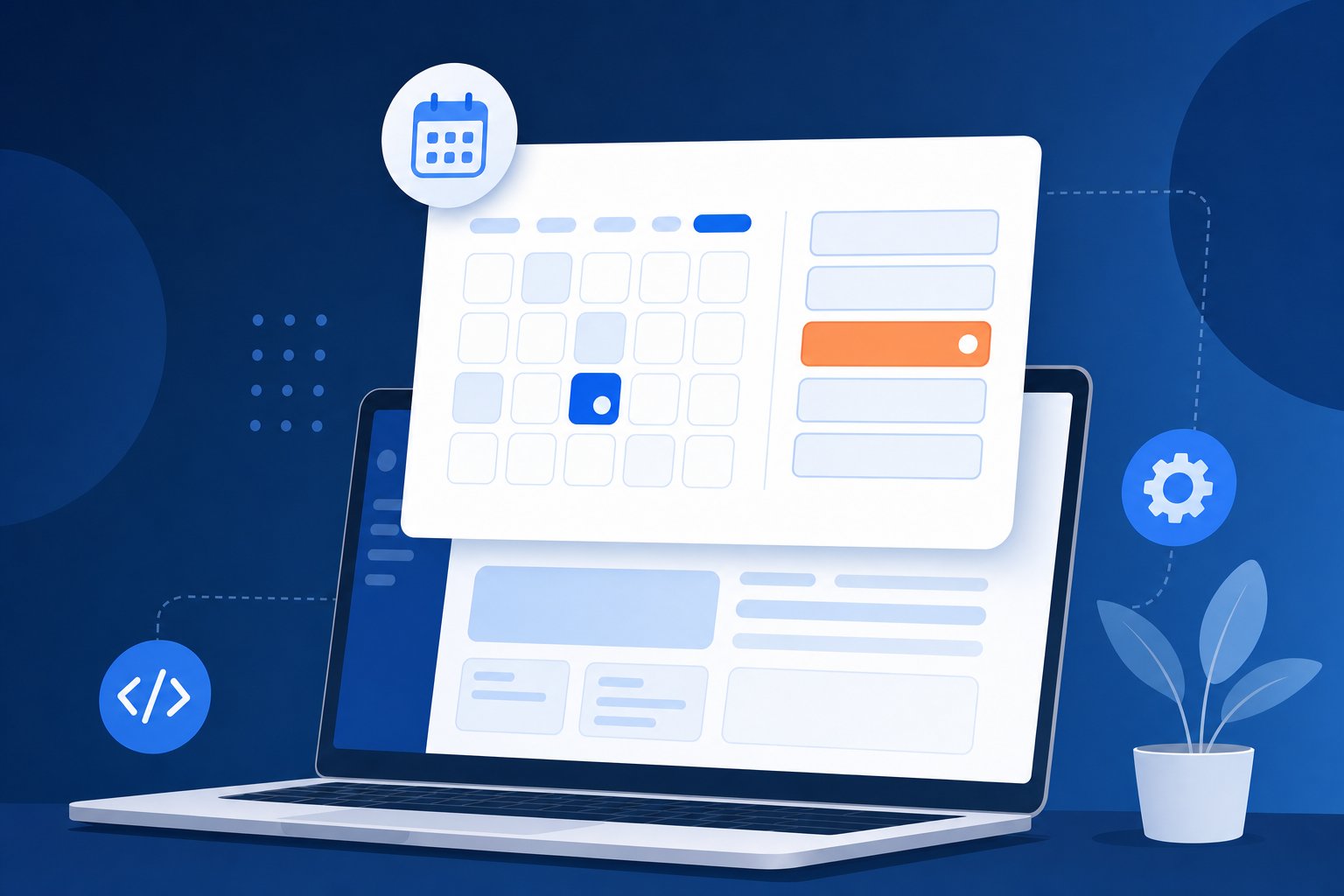
Most consultants and small firms bolt a scheduling tool onto their website and move on. We did the same on one of our own consulting sites — until the monthly fee, the off-brand pop-up, and the fact that every client detail lived on someone else’s servers started to bother us. So we did what we always recommend to clients: we replaced the subscription with a small piece of custom software we own outright.
This is a short case study of that build — what Calendly was costing us, what we built instead, and how to know whether a custom booking system makes sense for your business.
The problem with “just use Calendly”
To be clear: Calendly is a fine product. For a lot of businesses it’s the right call. But on our AI consulting site, three things kept nagging us:
- It looked like everyone else’s booking page. The site has a carefully designed audit page that builds trust step by step — and then hands visitors to a generic third-party widget at the exact moment they decide to commit. That’s the worst possible place to break the experience.
- Client data lived somewhere else. Names, emails, business details, and notes about what prospective clients need — all stored in a third-party SaaS, subject to their terms, their retention, and their breaches.
- The subscription treadmill. A scheduling tool is ten dollars and change per month, forever. One tool is nothing; a stack of “just $12/mo” tools is a real line item for a small business. And you never finish paying.
What we built instead
We replaced the embed with a three-step booking flow that lives directly on the audit page, built with the same fonts, colors, and components as the rest of the site:
- Pick a date — the widget shows the next three weeks of weekdays, computed in the visitor’s own timezone context.
- Pick a time — six daily slots, clearly labeled Pacific Time.
- Tell us about your business — name, email, business type, website, and an optional note. One screen, no account creation, no “sign in with Google” wall.
Behind the scenes, two things happen the instant someone books:
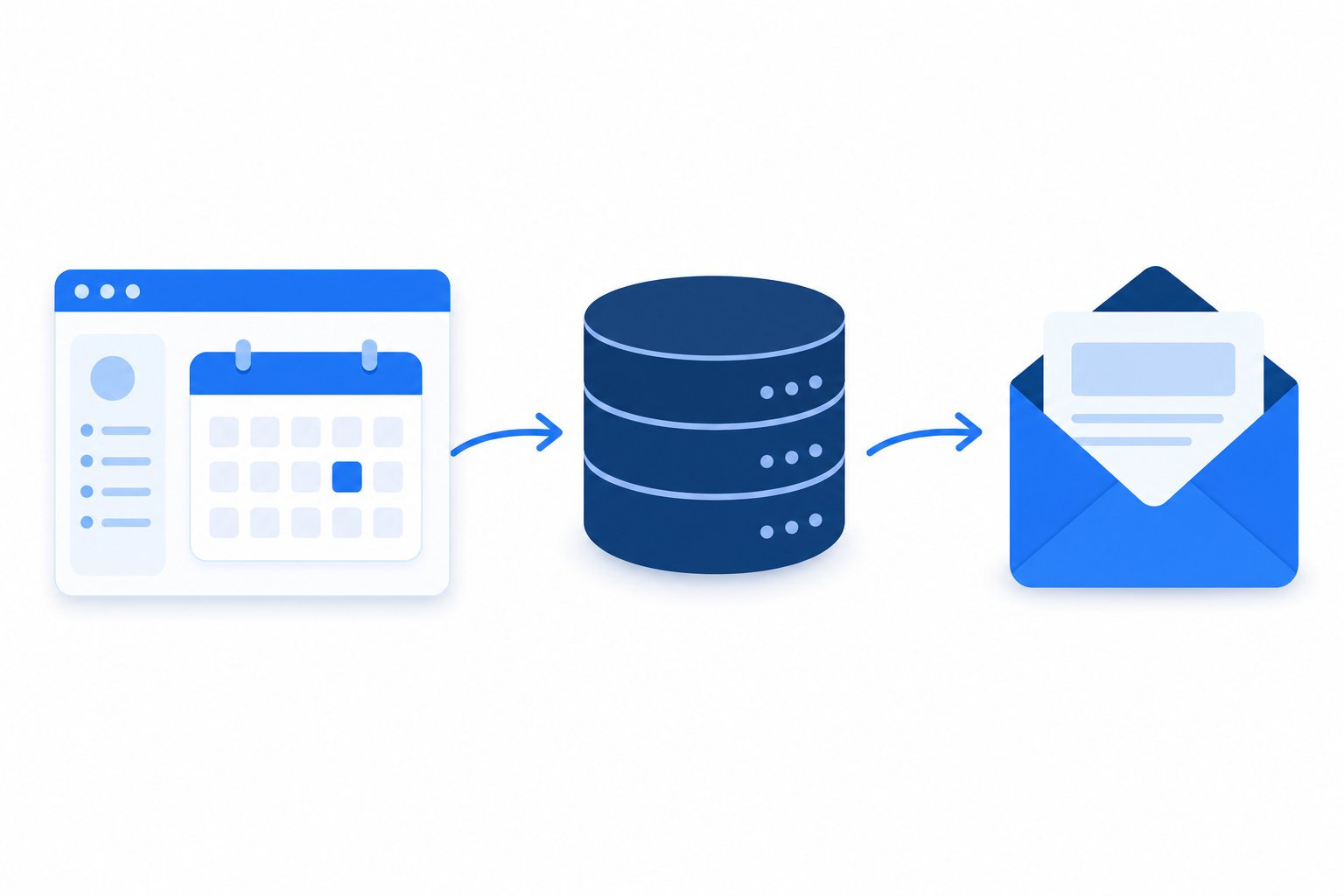
- The booking is saved into the site’s own WordPress dashboard — a custom Bookings section where every request is stored with its details, just like posts and pages. Nothing leaves our infrastructure.
- An email notification goes out instantly via Amazon SES, so the booking is in our inbox before the visitor has closed the tab.
The architecture, in one paragraph
The site runs as a modern “headless” WordPress setup: a fast Next.js frontend that visitors see, with WordPress behind the scenes as the content and data hub. The booking widget posts to a small API route on the frontend, which validates the request, stores it through a custom WordPress plugin endpoint we wrote (about 350 lines of PHP — no third-party plugin involved), and fires the SES notification email. Total surface area: one React component, one API route, one small plugin. That’s the whole system.
What changed
- $0/month. The build replaced a recurring subscription with code we own. A one-time build, no renewal ever.
- No broken brand moment. Visitors go from reading about the service to booking a call without ever visibly leaving the page.
- Our data, our rules. Every booking lives in our own database, exportable and auditable, covered by our own privacy policy rather than a vendor’s.
- Maintenance we control. There’s no plugin from a marketplace that can push a breaking update, get abandoned, or become a security hole. The entire system is under 900 lines of code we wrote ourselves.
Should you replace your scheduling tool?
Honest answer: not always. If you’re a team juggling complex calendars, round-robin assignment, and reschedule links, a SaaS scheduler earns its fee. Custom makes sense when:
- Booking a call is the main conversion point of your website — the moment that turns a visitor into a lead;
- You handle privacy-sensitive clients (lawyers, medical, education) who care where their information lives;
- You’re already paying for three or more small SaaS tools that each do one thing a small custom build could do better;
- You want your website to feel like one continuous experience, not a patchwork of embeds.
This is the philosophy behind everything we build: no third-party plugin bloat, no subscription patchwork — small, custom, owned software that fits your business exactly.
Curious what a custom build would look like for your site? Book a free consultation — fittingly, through a booking system we built ourselves — or see what we do and what it costs.
Free 60-second checkup
How healthy is your own website?
Paste your address, get an instant health check — speed, mobile experience, Google visibility, trust, and security. No email required.
Check my website freeOr just take one tip a month
A short monthly email with one practical way to make your website work harder. No spam, unsubscribe anytime.